From "it arrived broken" to a decision in one minute
Five steps. You set the rules once and the squad does the checking
Install and set your rules
Install pruvana from the Shopify App Store. Type your refund policy in plain English. Setup takes about five minutes
Send the claim link
When a customer reports damage pruvana creates a one-time claim link. Send it from your help desk or email or the order status page
The customer snaps live photos
A guided camera asks for the damage and the box and the shipping label. It runs in the phone browser. No app download
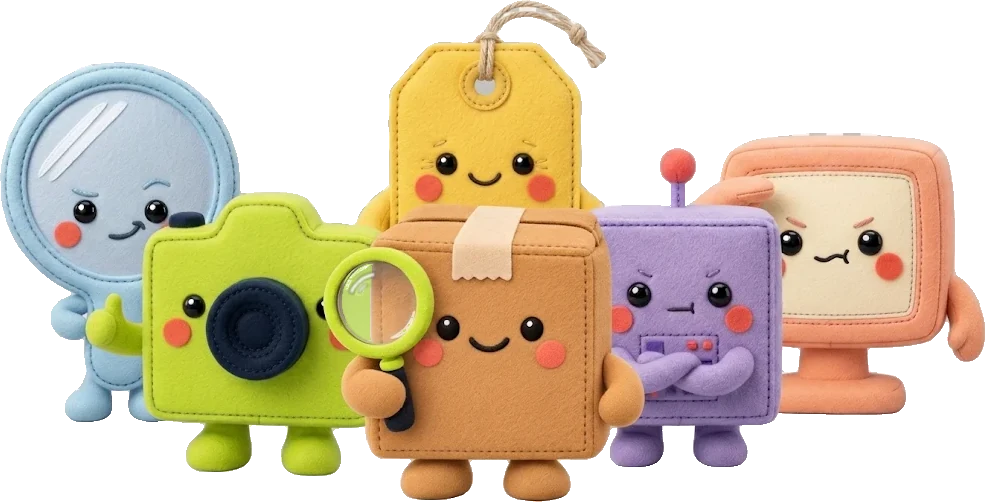
The squad checks the evidence
Six checks run on every photo: live capture and label and product and reused photos and AI-made photos and screen photos
Paid or Busted or Your call
Clear claims resolve by your rules with a 10-minute undo. Doubtful ones come to you with the reason and a reply ready to send
Show the damage up close
Under a minute for honest customers
Three guided photos in your store's colours. Works on iPhone and Android in the phone browser
What you see



Your rules decide
Refund automatically under a limit. Ask first above it. Always review repeat claimers
The six checks
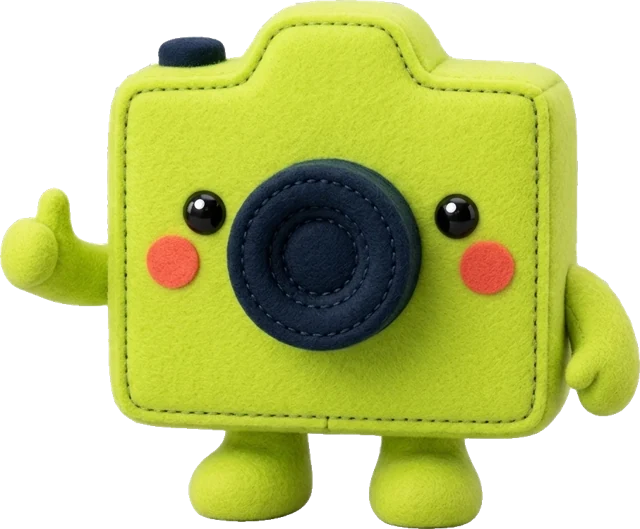 Snap · Live capture
Only accepts photos taken live
 Tag · Label and tracking
Matches the label to the tracking number
Boxy · Product matchChecks it's the product they ordered
Déjà · Reused photosSpots photos used on past claims
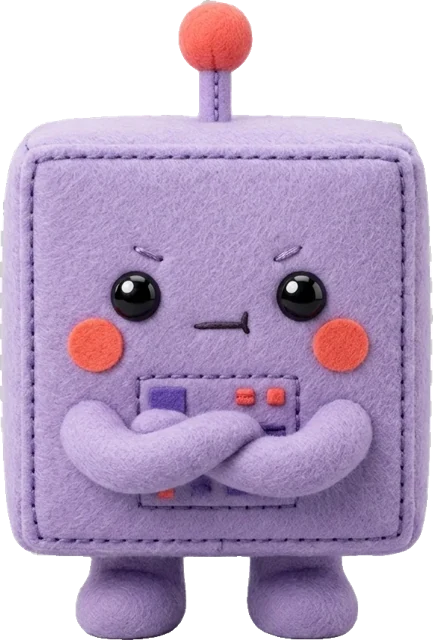 Botbuster · AI-made photos
Catches damage made or edited with AI
Glare · Screen photosSpots photos of a screen or printout
Real damage? PaidFake damage? Busted
The first 100 stores get Growth free for 3 months plus a setup call with the team. Then $49 a month or stay on the free plan. Paid plans come with a 60-day money-back guarantee.